Class Schedules
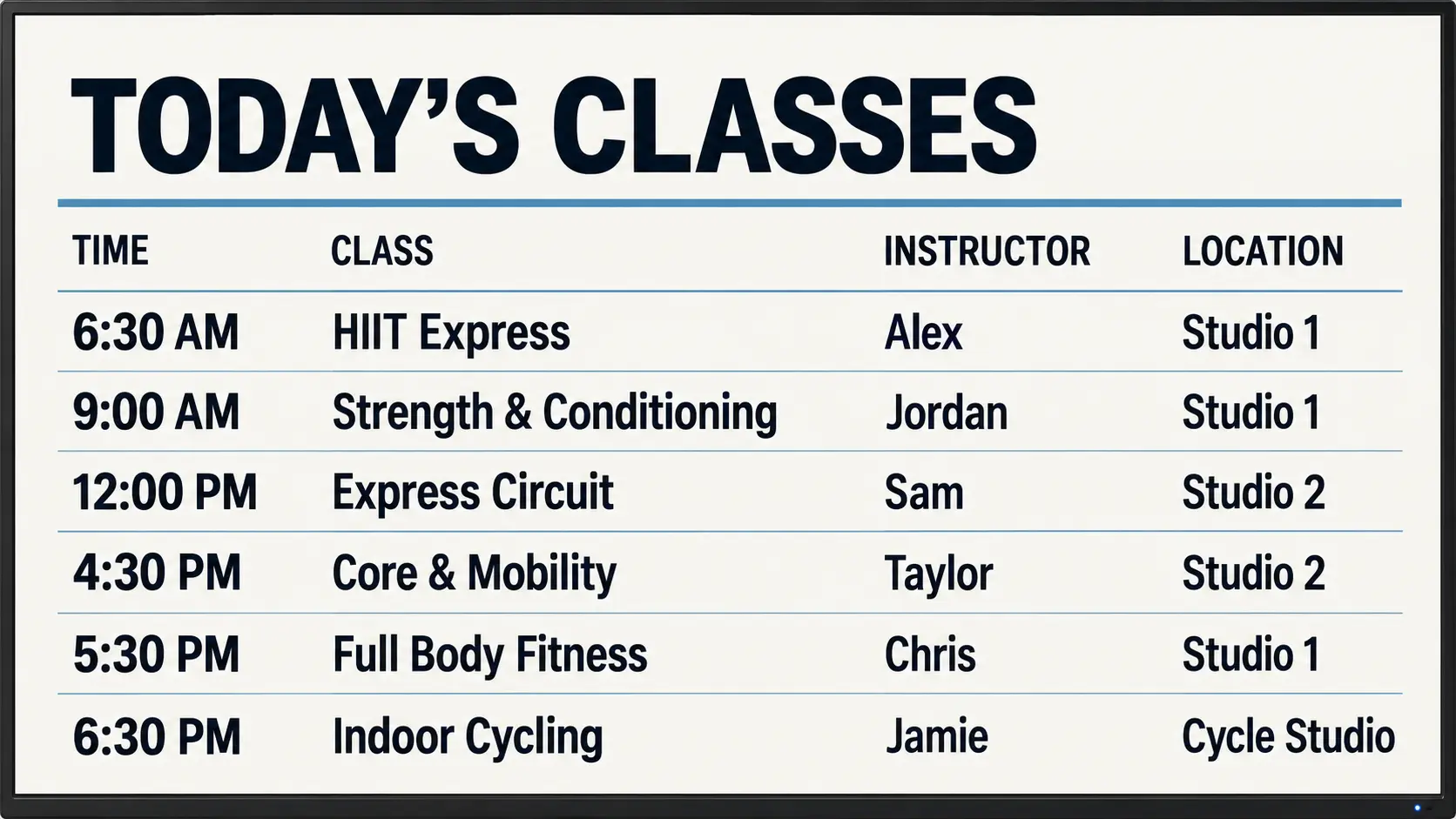
Show class times, instructor names and studio locations so members can see what’s coming up. Keep your timetable easy to find when they arrive.
Keep class times, daily workouts and training offers in front of your members with simple, easy-to-update screens.
Try For Free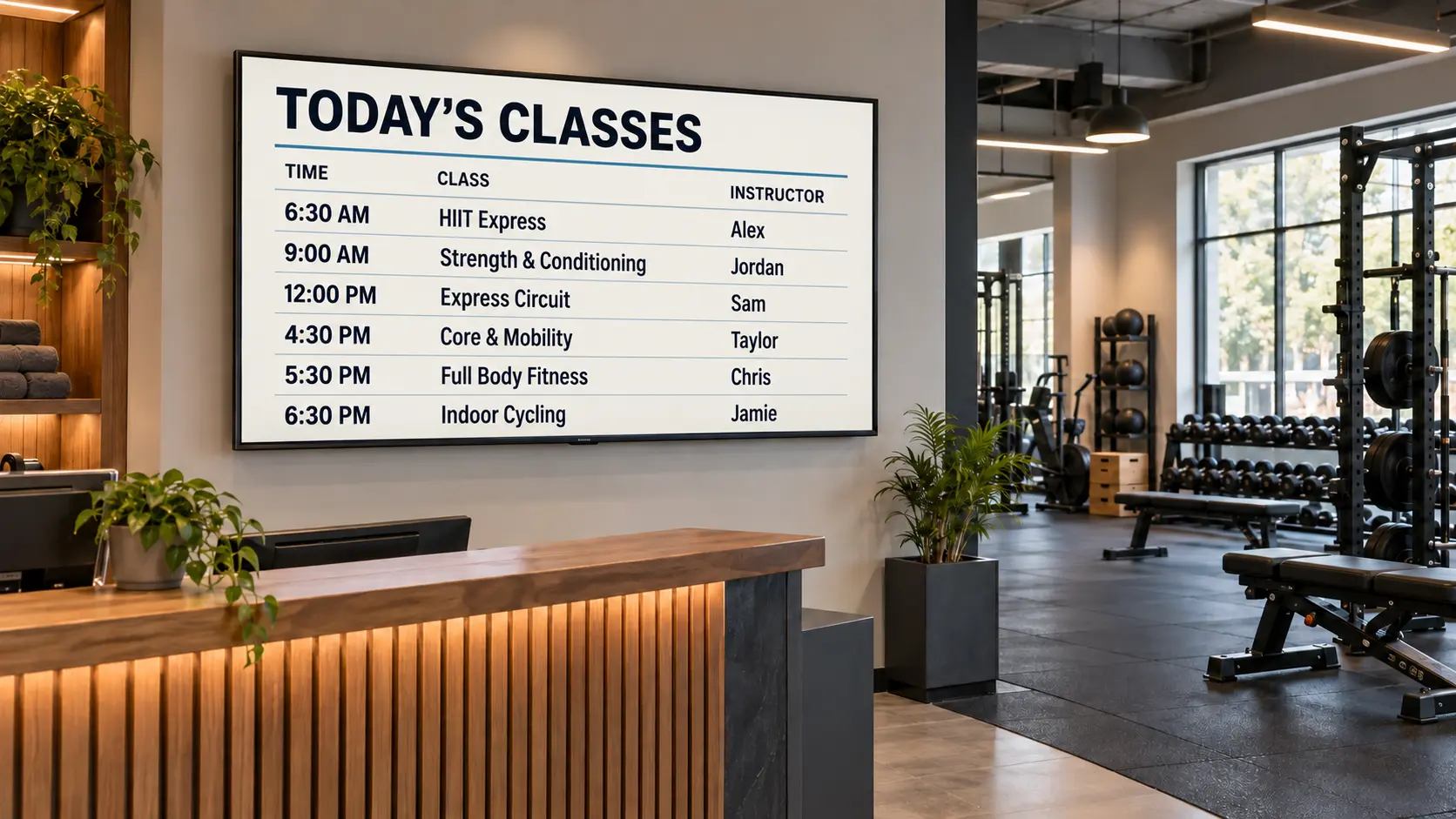
Show class times, instructor names and studio locations so members can see what’s coming up. Keep your timetable easy to find when they arrive.
Put personal training packages, membership offers and referral rewards where members can see them. Give them a clear reason to ask your team about taking the next step.

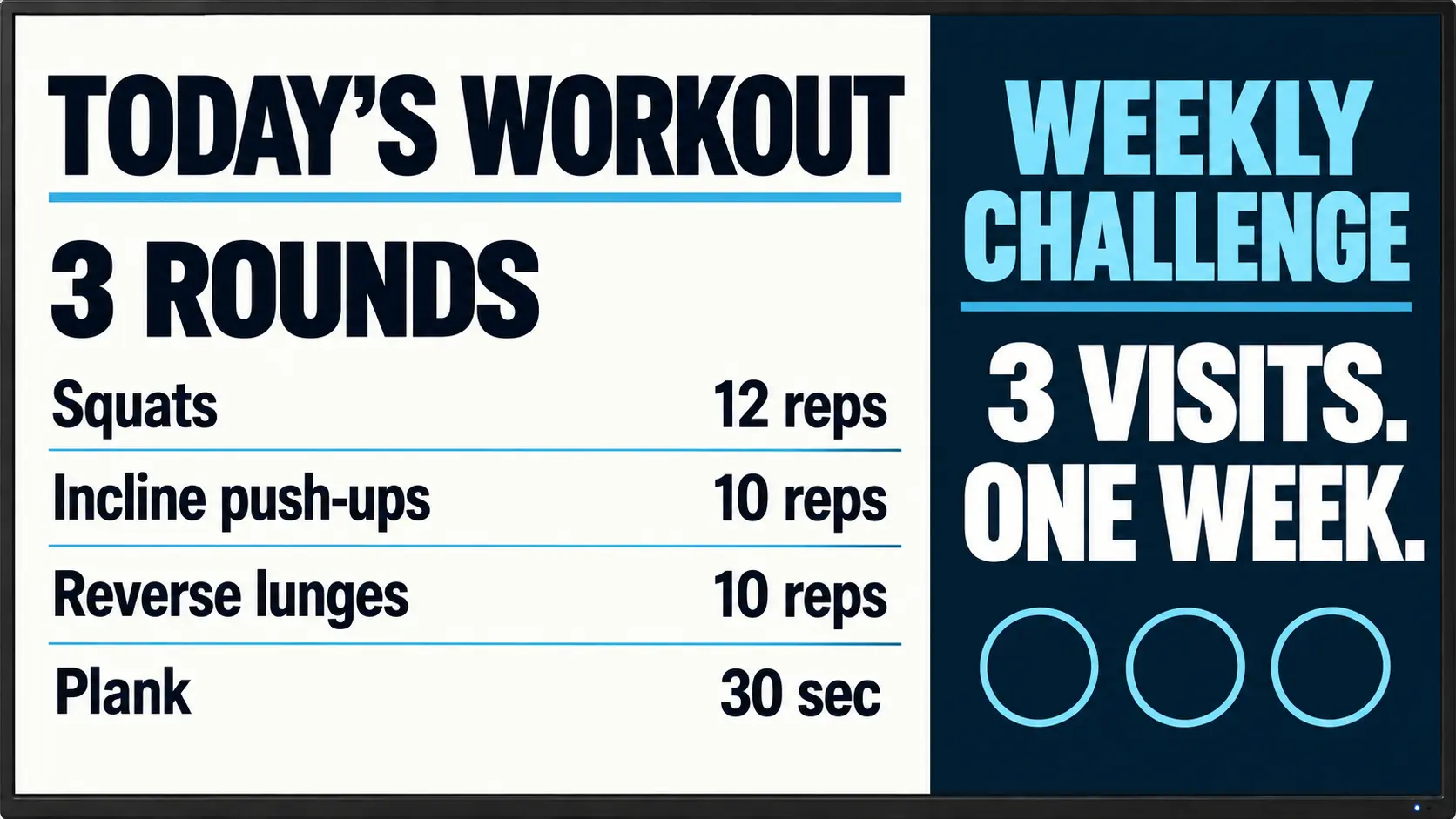
Display today’s workout, a weekly challenge or a training focus. Give members something to work toward and a reason to check the screen each time they visit.
Usono is $3 per screen per month. You can start with one screen and add more later if you need them.
Yes. One screen near reception is a simple place to start. Show class times, training offers and announcements where members can see them when they arrive.
You can show class timetables, daily workouts, personal training packages, membership offers, trainer introductions and facility reminders.
No special TV is required for the web player. If your screen can open a web browser, you can use it to display your signage.
Yes. You can update your content from the dashboard when class times, workouts or offers change.
Yes. Display training packages, membership options and special offers. Include a simple next step, such as “Ask at reception,” so members know how to learn more.