Class Schedules
Show today’s classes, start times and instructor names so students can find their next session at a glance.
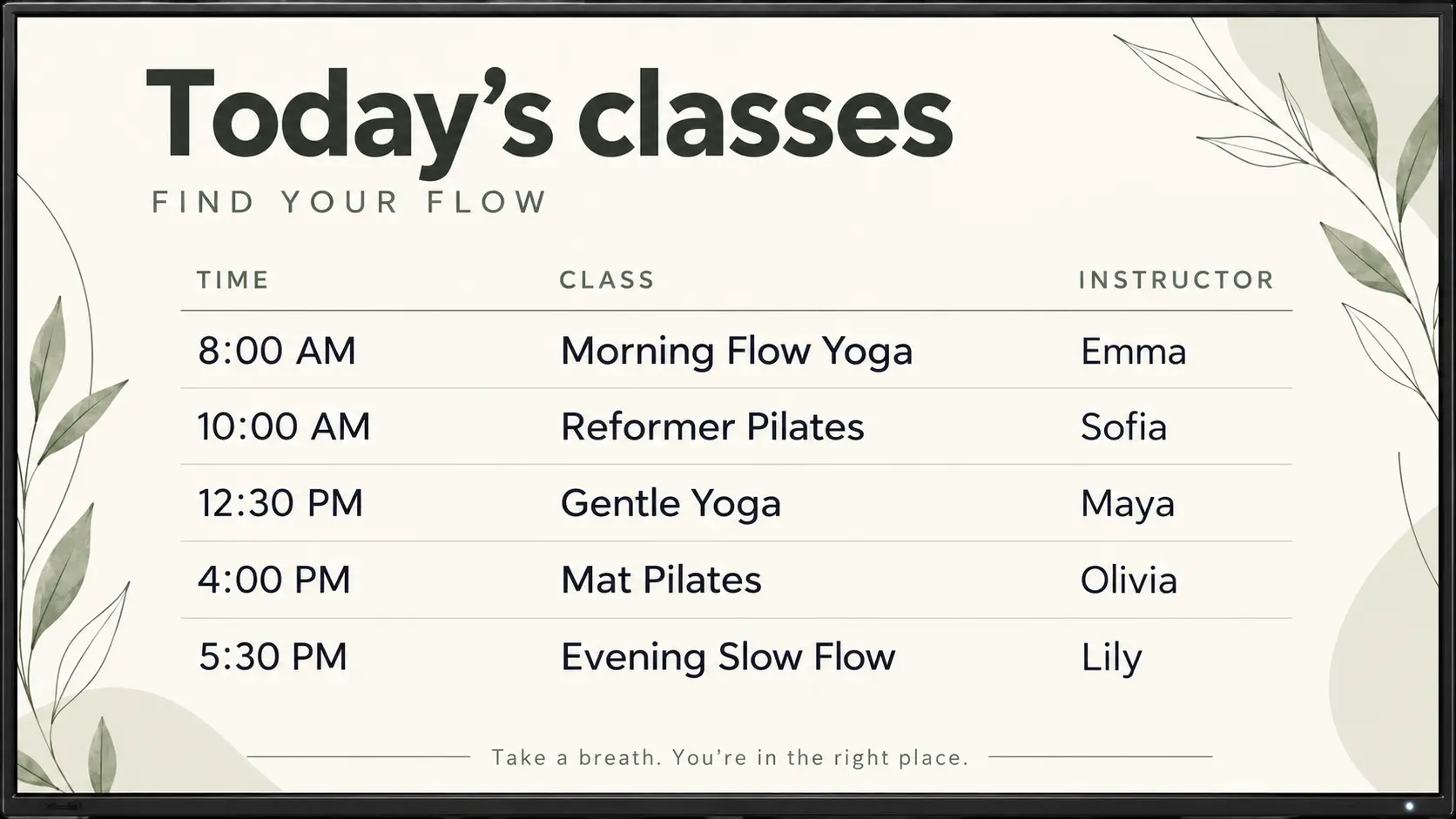
Keep class times, workshops and studio details easy to see with a clean, easy-to-update screen that feels at home in your space.
Try For Free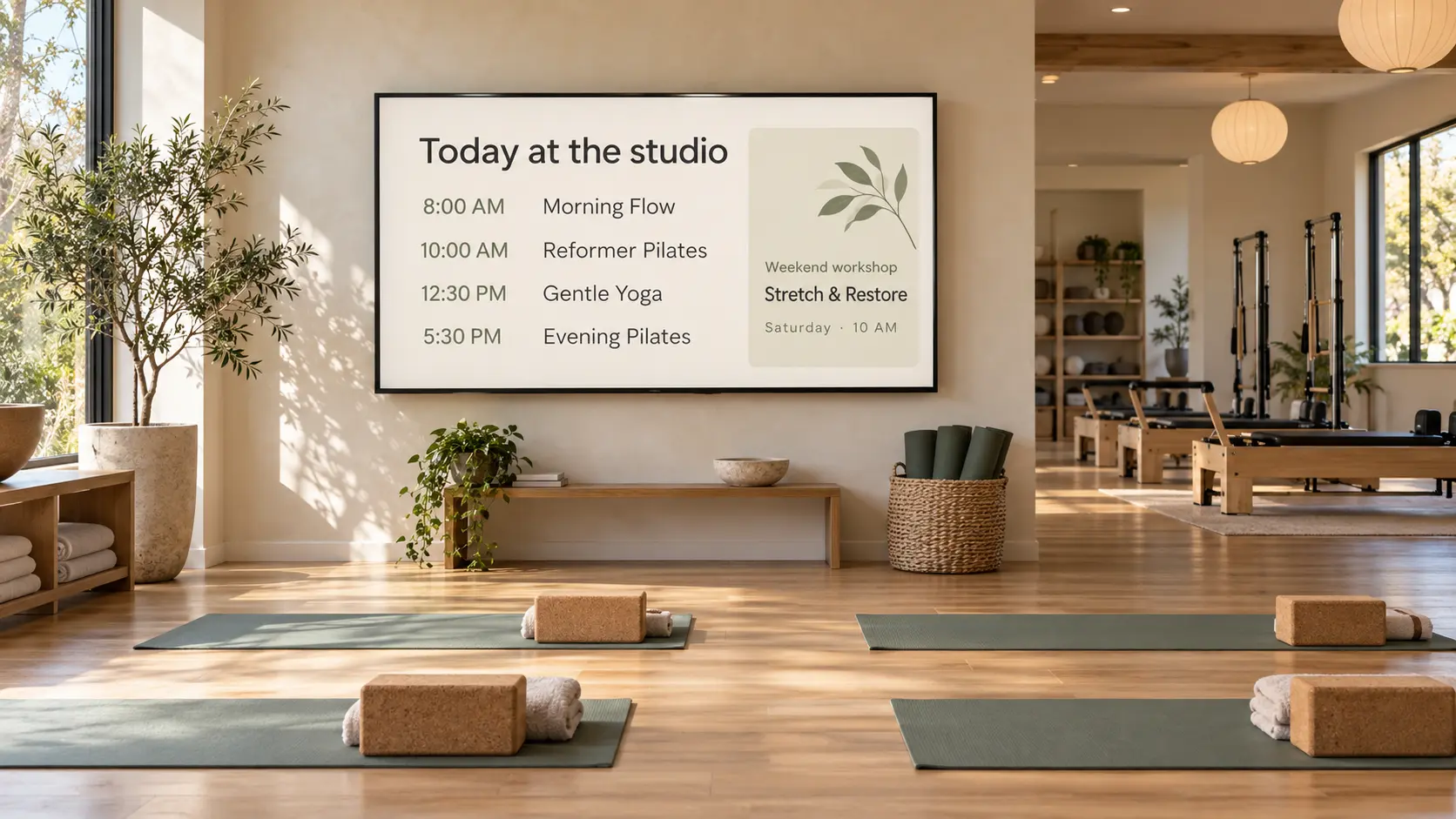
Show today’s classes, start times and instructor names so students can find their next session at a glance.
Highlight upcoming workshops, retreats and special classes. Give students a reason to come back and a clear way to learn more.

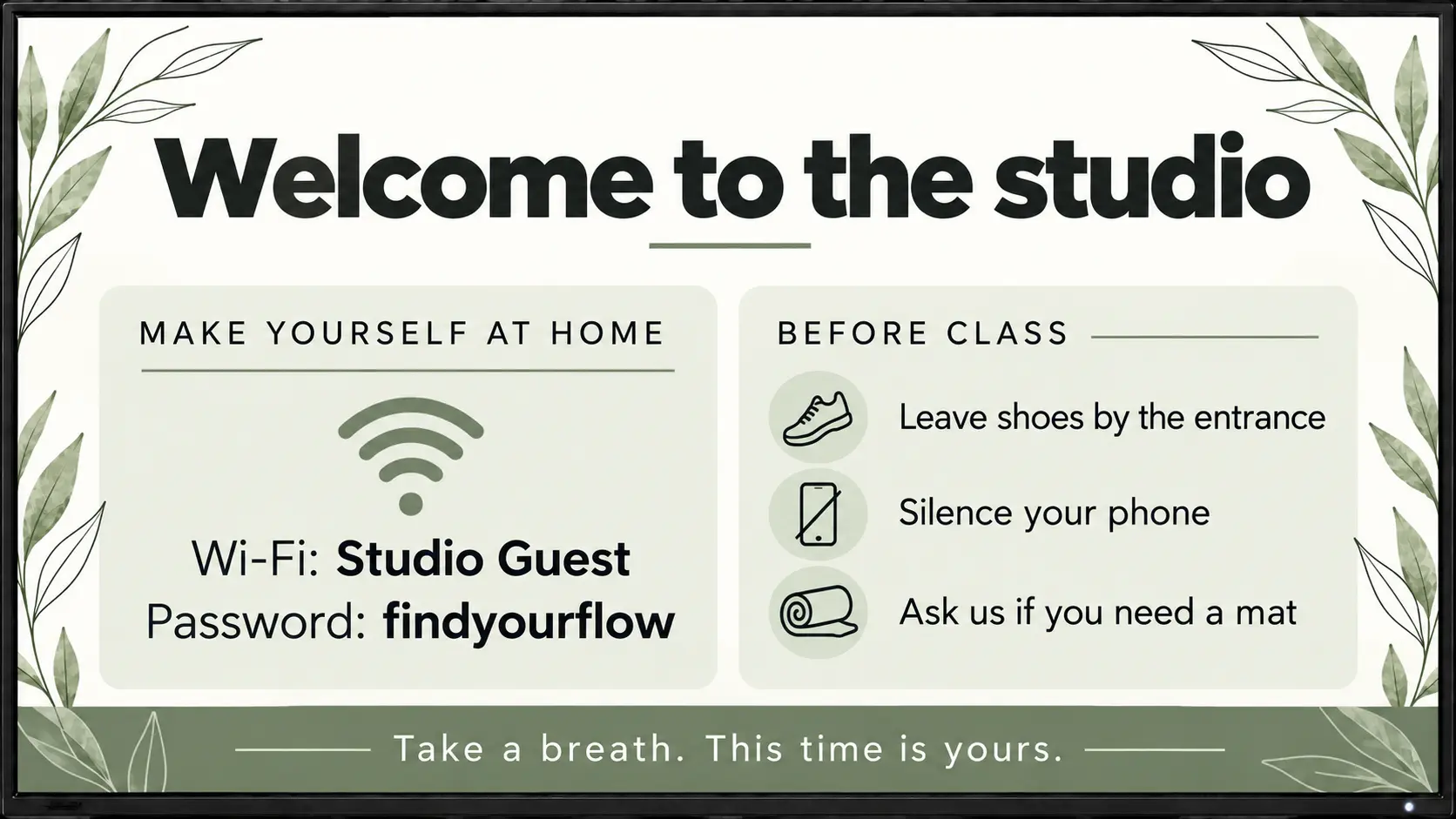
Keep Wi-Fi details, studio reminders and instructor introductions visible in your reception area. Add a calming image or thoughtful quote to set the mood between classes.
Usono is $3 per screen per month. You can start with one screen and add more later if you need them.
Yes. One screen in your reception area or near the studio entrance is a simple place to start.
You can show class schedules, instructor introductions, upcoming workshops, retreats, membership offers, studio reminders and calming images or quotes.
No special TV is required for the web player. If your screen can open a web browser, you can use it to display your signage.
Yes. You can update the content on your screen from the dashboard when class times, instructors or studio details change.
Not to start. A simple class timetable or studio information screen can be useful on its own. Update your content manually whenever you need to.